Learn
You submitted. You waited. Then the feedback file arrived with a rule code you had never seen before, and no plain-language explanation of what it meant. This article maps the rejection codes to their causes, using what the ESAs have actually published rather than what the internet assumes.

CorrectionRewritten on 14 July 2026. An earlier version of this article described the register as tables “B00” to “B06”, which is not the structure of the register. The real structure is the 15 official templates, B_01.01 to B_99.01, set out in Commission Implementing Regulation (EU) 2024/2956. That version also asserted a validation engine of “117 EBA rules”, a table of rejection frequencies, an invented CSV filename convention, a claim that CSV files must sit at the root of the ZIP, and a worked example of a payment institution's failed submission. None of it could be sourced and all of it has been removed. Every rejection cause below now traces to the ITS or to a published ESA document, and several of the causes the earlier version listed turn out, on the ESAs' own published evidence, not to cause a rejection at all.
⚡ TL;DR
The ESAs have published the most common errors they see in register of information reporting, together with a column stating whether each one leads to a rejection. Seven of them do: foreign key violations (807), missing primary keys (805), filing indicator problems (808), non-DORA or wrongly cased files (720), an entityID that does not match the filename (714), report file structure (103), and header codes that are not in the taxonomy (801). Five common errors do not reject, including missing mandatory values and a wrong LEI. If you are stuck in a resubmission loop, the fastest route out is to fix the seven that reject and to understand that a single unparseable file can cascade into a wave of foreign key errors that have no independent cause.
What Actually Happens When You Submit
Your submission is a reporting package, not a spreadsheet. The EBA sets out its structure in its guidance on preparing the plain CSV reporting package for DORA. The ZIP is named for the reporting subject, and inside it there is a reports folder and a META-INF folder. The reports folder holds report.json, parameters.csv, FilingIndicators.csv, and one CSV per table. META-INF holds reportPackage.json.
The ZIP naming pattern
ReportSubject.CON/.IND_Country_FrameworkCodeModuleVersion_Module_ReferenceDate_CreationTimestamp.zip
The EBA's own example:
DUMMYLEI123456789012.CON_IT_DORA010100_DORA_2024-12-31_20240821141632000.zip
The report subject is your LEI. .CON or .IND marks a consolidated or individual submission. And the entityID parameter inside parameters.csv has to agree with it: where it does not, the ESAs raise error 714, and 714 rejects.
The checks then run in layers. The EBA describes them in a document titled, in full, an overview of the technical checks, validation rules and business checks to be applied by the EBA for RoI reporting. The technical checks look at the package itself: is it structured correctly, are the filenames right, is the encoding UTF-8. The data point model rules look at the tables: are the header codes in the taxonomy, are the key columns filled, do the foreign keys resolve. The business rules look at the content: is that LEI real, does that EUID exist.
⚠️ One caveat the ESAs put on their own document
The published observations carry an explicit warning: the material reflects the design of the ESAs' reporting infrastructure, and “the validation checks, and feedback messages implemented by the competent authorities in their reporting solutions used for the collection of the registers of information from the financial entities may differ from those explained on these slides”. Your NCA's portal is where you actually file. Read its technical guidance alongside this.
The Errors the ESAs Actually See, and Which Ones Reject
In April 2025 the ESAs published a set of observations from the testing of register of information reporting, updated in May 2025, listing the most common errors by rule code. Crucially, the list carries a column stating whether each error leads to a rejection. We reproduce that mapping below, because it reorders the priorities that most remediation plans start with.
| Rule code | Description | Leads to reject |
|---|---|---|
| 807 | Foreign key constraint violated | YES |
| 805 | Primary key missing | YES |
| 808 | Missing filing indicators or case is wrong | YES |
| 720 | Non-DORA files reported, or case is wrong | YES |
| 714 | entityID parameter does not match filename | YES |
| 103 | Report file structure, content | YES |
| 801 | All table header codes must be in the taxonomy | YES |
| v8886_m, v8850_m, v8885_m, v8884_m, v8888_m, v88889_m | Mandatory values missing | NO |
| VR_71, VR_23, VR_12, VR_77 | Wrong LEI reported | NO |
| 806 | For open tables you cannot report identical key values | NO |
| VR_72 | EUID code was not found in BRIS | NO |
| v8826_m | LEI mask validity | NO |
Read that table again. Missing mandatory values do not reject. A wrong LEI does not reject. An invalid LEI mask does not reject. A EUID that is not found in the business registers interconnection system does not reject. Duplicate keys on open tables do not reject. These are all real data quality problems, they are all reported back to you, and your competent authority may take a different view in its own portal, but on the ESAs' published mapping they are not what is bouncing your package. What bounces your package is structure: keys, references, filenames, filing indicators, encoding and headers.
807: Foreign Key Violations, and the Cascade Behind Them
Foreign key violation is the first row of the ESAs' table and it rejects. The register is relational: the 15 templates set out in Article 5 of the ITS reference each other through identifiers you assign. The most important of them is the contractual arrangement reference number. Article 5 and the Annex I instructions are explicit that for each contractual arrangement with a direct ICT third-party service provider, the entity “shall assign a unique ‘contractual arrangement reference number’ to identify unambiguously the contractual arrangement itself”.
The ESAs' own worked example of a 807 failure is a contractual arrangement reference number that appears in B_07.01, the assessments template, and does not appear in B_02.01, the general information on contractual arrangements. The value is there. It just does not resolve.
The cascade nobody warns you about
Here is the part that keeps teams in a resubmission loop, and it comes straight from the ESAs' slides. If a table cannot be integrated at all, then every reference to that table fails. Their examples of what stops a table integrating are an 801 error, where a header column code is not defined in the taxonomy, and an 805 error, where a key column is empty. Their note on the consequence: “Then many FK can potentially fail, and other tables will be referring to the failed to load table. This is expected behaviour a database system would fail for this reason.”
Rule 809, added on 1 May 2025, exists for exactly this reason. If a CSV cannot be parsed because the number of columns in the content does not match the header, the ESAs note that it is “very hard for the submitters to understand that the reason for the 807 if we could not integrate the target table file in the first place”. So 809 now tells you directly.
The practical consequence: when you get a feedback file with fifty 807s, do not start fixing fifty references. Look first for an 801, an 805 or an 809. A single unparseable or unloadable table can generate an arbitrary number of downstream foreign key errors that have no independent cause, and fixing the one upstream problem clears them all.
Packaging, Filenames and Filing Indicators
Four of the seven rejecting codes are about the package rather than the data. They are also the cheapest to fix, once you know the rules, and they are not intuitive.
720: file names, and case
Table files must be named in lower case, for example b_01.01.csv. The ESAs' slides show a lower-case filename accepted and an upper-case filename rejected, and an extra or wrong filename rejected. Missing files are now accepted, following a relaxation of rule 720, but a file that should not be in the package will still bounce it.
808: filing indicators
This one catches people who reason, sensibly enough, that if they have nothing to report in a template they should say so. The rule says otherwise. All DORA templates are expected. Template IDs must appear in capitals in FilingIndicators.csv, so B_01.01 and not b_01.01, even though the CSV file itself is named in lower case. Every reported template ID must be declared true, with 1 allowed as a true value. A template can be reported empty if there is nothing to put in it. But, in the ESAs' words, “reported template IDs declared as false or with the value 0, will be rejected with 808 filing indicator error”.
714: the entityID has to match the filename
The entityID parameter in parameters.csv must agree with the report subject in the ZIP filename. The header row of parameters.csv also has to be right: rule 723, added on 1 May 2025, requires the header to consist only of name and value, in that order, because in the XBRL standard the name appears before the value.
103 and 306: structure and encoding
103 is the report file structure check. 306 is encoding: every file in the package must be UTF-8. This was moved to a failing rule on 1 May 2025, on the basis that a file that is not proper UTF-8 leads to corrupted text data. UTF-8 with a byte order mark is accepted.
⚠️ Two things that are widely believed and are not true
Column order does not matter. The ESAs state plainly that in a table CSV, “column names can come in any order”, and they publish a valid example with two columns switched. Column names are case-sensitive and lower case, and the header row may not contain an empty cell, but their order is free.
The CSVs do not sit at the root of the ZIP. The reporting package has a
The CSVs do not sit at the root of the ZIP. The reporting package has a
reports folder and a META-INF folder. A flat archive of CSVs is not the structure the portal expects.Data Types: the eba_ Prefix That Trips Everyone
The EBA's packaging guidance sets out seven data type rules for the columns. They are short, and worth reading literally, because the third one is the source of a large amount of avoidable pain.
| Type | What the taxonomy requires |
|---|---|
| String (alphanumerical) | A string value. If it contains the separator character, a comma, the value must be quoted with double quotes. |
| Date | Must be in the format yyyy-mm-dd. |
| Enumerated (closed set of options) | Must be a value from the dropdown list in the annotated template, prefixed with the owner eba_. The EBA's example is eba_GA:AT for a country. This is the single most misunderstood rule in the whole package: a bare AT, or the word Austria, is not the enumerated value the taxonomy is expecting. |
| Boolean | Must be either true or false, or 1 or 0. |
| Monetary | Must be expressed in units, not in thousands or millions. The EBA's example is 2540100.23. |
| Integer | Must be an integer. |
| Key columns | If the column is a key, it must be filled. An empty key column is rule 805, and 805 rejects. |
The instructions in Annex I of the ITS describe country fields conceptually, as the ISO 3166-1 alpha-2 code, and currency fields as the ISO 4217 alphabetic code. That is what the field means. It is not what you type into the CSV. In the reporting package the enumerated value carries the owner prefix, which is why the EBA's worked example of a country value is eba_GA:AT rather than AT. Base currency in parameters.csv appears in the EBA's example as iso4217:EUR. If your export writes the human-readable code, the taxonomy will not recognise it.
LEI and EUID: Real Problems That Do Not Reject
Article 3(5) of the ITS requires financial entities to use “a valid and active legal entity identifier (LEI) or the European Unique Identifier ... (‘EUID’), and where available both of these identifiers, to identify all of their ICT third-party service providers that are legal persons, except for individuals acting in a business capacity”. Article 3(6) extends the same requirement, through the direct provider, to the subcontractors that effectively underpin services supporting critical or important functions.
Note the words “valid and active”. A structurally correct LEI that has lapsed is not an active one. The ESAs run business validation rules against a cached copy of the GLEIF database, so a wrong LEI is caught. It is reported back under codes such as VR_71, VR_23, VR_12 and VR_77. On the ESAs' published mapping it does not reject the submission, which is not a reason to leave it wrong: the register has to be accurate, and Article 3(3) of the ITS obliges you to review it regularly and to “promptly correct any errors or discrepancies detected”.
The LEI mask, precisely
The rule the EBA applies, v8826_m, is a regular expression: ^[A-Z0-9]{18}[0-9]{2}$. Eighteen characters that are A to Z or 0 to 9, followed by two digits. Twenty characters in total. Note that the first eighteen may be letters or digits, so descriptions of the LEI that insist the opening characters must be alphabetic are wrong about the mask the validator actually enforces.
EUID is not a second name for LEI
The EUID is the European Unique Identifier from the business registers interconnection system. VR_72 fires when a reported EUID is not found there. The ESAs list the avoidable causes: an LEI flagged as a EUID, and a reported EUID that does not follow the EUID pattern. Their two easy checks are that a EUID should contain a dot, and should start with the two-letter ISO code of an EEA country. In the counts they published from testing, invalid EUID format was by a wide margin the largest category of EUID outcomes, dwarfing both the found and the not-found buckets.
One consequence worth spelling out, because it follows from the ITS rather than from the validator: providers established in third countries are identified with an LEI only, since the EUID is a European identifier. Putting a EUID-shaped value against a US or Indian provider is not going to work.
Mandatory Values and Duplicate Keys
Mandatory value rules take the form v8886_m and similar, and they are conditional assertions in the data point model. The ESAs' worked example reads, in effect, that for B_07.01 column c0080 is mandatory, and they show it failing in two different ways: the column is missing from the file entirely, or the column is there and the value is not filled. Both produce the same code.
Rule 806 is the duplicate key rule: for open tables you cannot report identical key values. If you report the same key twice, it is flagged. Neither of these rejects, on the ESAs' mapping. Both are real data quality failures. Article 3(4) of the ITS sets the six principles your register data has to satisfy: accuracy, completeness, consistency, integrity, uniformity and validity. A register that clears the portal while failing those principles has not achieved anything except a receipt.
A structural rule that is easy to get wrong. Article 4(2) of the ITS: “Financial entities shall complete each data element with a single value. Where more than one value is valid for a specific data element, financial entities shall add an additional row in the corresponding template for each valid value.” Two countries, two rows. Not one cell with two countries in it.
Pre-Submission Checklist
Run this before you file. It will not catch everything, and it is not a substitute for the rule set your NCA actually runs, but it covers the seven codes that reject and the structural rules behind them.
Package and filenames
- The ZIP name follows the pattern
ReportSubject.CON/.IND_Country_FrameworkCodeModuleVersion_Module_ReferenceDate_CreationTimestamp.zip, with your LEI as the report subject. - The
entityIDinparameters.csvmatches the report subject in the ZIP filename. A mismatch is rule 714, and 714 rejects. - Table files are named in lower case, for example
b_01.01.csv. The EBA slides show an upper-case filename being rejected under rule 720. - The package has the
reportsfolder and theMETA-INFfolder withreportPackage.json. The CSV files do not sit loose at the root of the ZIP. - No non-DORA files are in the package. Extra or wrong filenames are rejected under 720.
- Every file is UTF-8. Since 1 May 2025 a non-UTF-8 file is rule 306 and it fails. UTF-8 with BOM is accepted.
Filing indicators
FilingIndicators.csvlists template IDs in capitals, for exampleB_01.01.- Every reported template ID is declared
true(or1). A template ID declaredfalseor0is rejected under rule 808. - A template with nothing to report is included as an empty table, not omitted and not declared false.
Keys and references
- Every key column is populated. An empty key is rule 805 and it rejects.
- Every foreign key resolves. The EBA's worked example: a contractual arrangement reference number present in B_07.01 but absent from B_02.01 fails with 807.
- Header rows contain no empty cells and no column codes that are not in the taxonomy. Both are rule 801, and an 801 failure on one table can cascade into a wave of 807s on the tables that point at it.
- Row counts and comma counts match the header in every CSV. A parsing failure is rule 809, and it produces the same downstream cascade.
Data types
- Dates are
yyyy-mm-dd. - Every enumerated value carries the
eba_owner prefix. - Monetary values are in units, not thousands.
- Values containing a comma are quoted.
Identifiers
- Every LEI matches the mask the EBA applies:
^[A-Z0-9]{18}[0-9]{2}$, that is 18 characters of A to Z or 0 to 9 followed by two digits. - LEIs are checked against GLEIF, because the ESAs run business rules against a cached copy of the GLEIF database.
- EUIDs are not LEIs. The EBA's guidance is that a EUID contains a dot and starts with the two-letter ISO code of an EEA country.
When Rejection Signals a Deeper Problem
If the same errors keep coming back after you correct them, the problem is usually not execution. It is that the register is being assembled in a tool that cannot hold its shape.
The register is a relational dataset. The contractual arrangement reference number is a key that several templates point at. The function identifier, per the ITS, must be unique for each combination of a financial entity's LEI, licensed activity and function, and the ITS gives a worked example of exactly that. All providers in one ICT service supply chain must share the same contractual arrangement reference number and the same type of ICT services. Rank is a natural number, always 1 for the direct provider and always greater than 1 for a subcontractor. Those are integrity constraints. A spreadsheet does not enforce integrity constraints; it stores text.
| What has to hold | In a spreadsheet | In a system that models the register |
|---|---|---|
| Every foreign key resolves | Checked by hand, with lookup formulas. Breaks silently when an identifier is edited in one tab and not the others. | The reference is a relationship, not a typed string, so it cannot point at nothing. |
| Key columns are never empty | Nothing stops an empty cell. | A record without its key cannot be saved. |
| Enumerated values carry the eba_ prefix | A dropdown suggests values; free text overrides it. | The business-language label is what users pick; the code is applied on export. |
| Errors are found before filing | Found by the portal, after the attempt. | Found by a validation pass over the data model, before the package is built. |
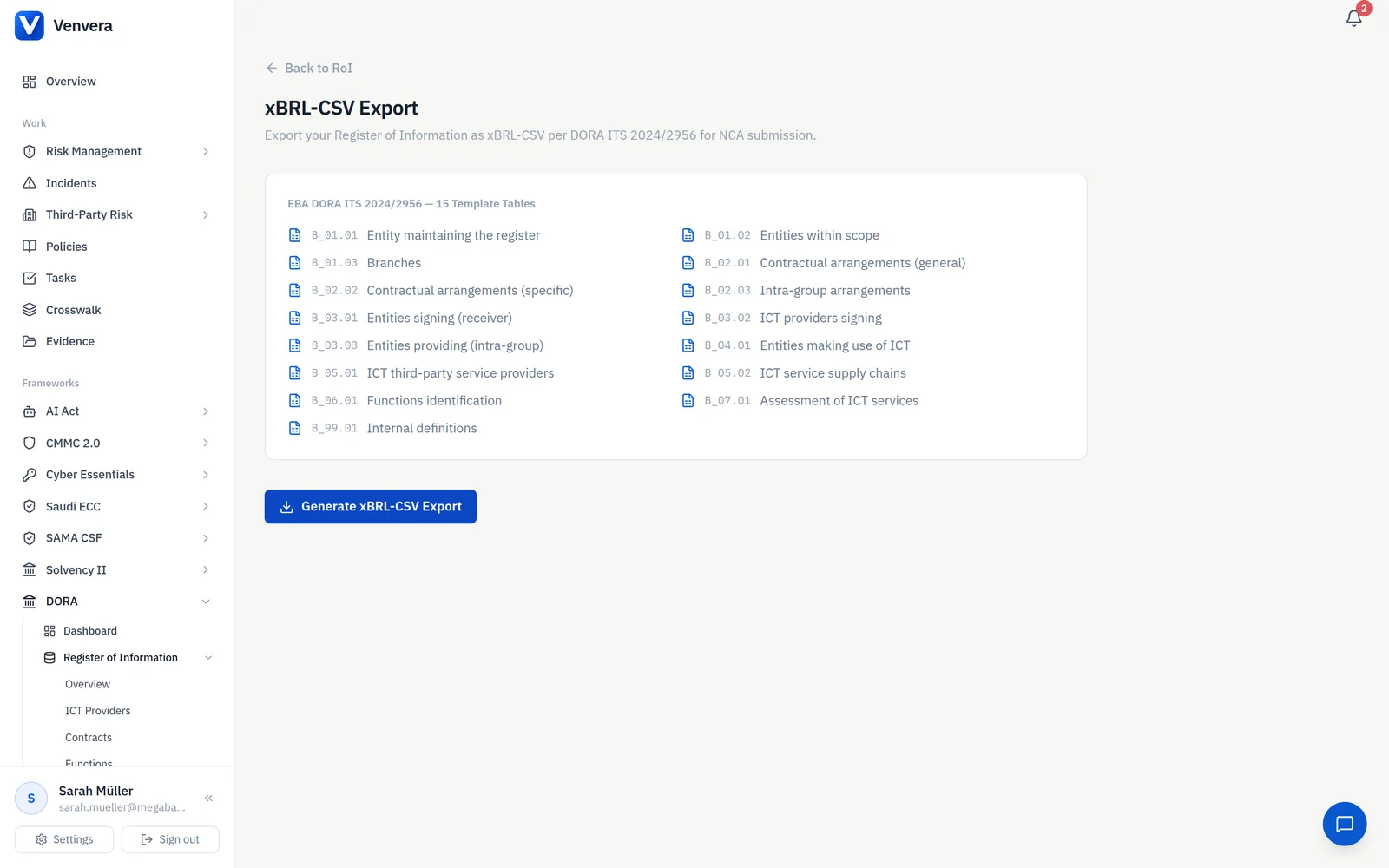
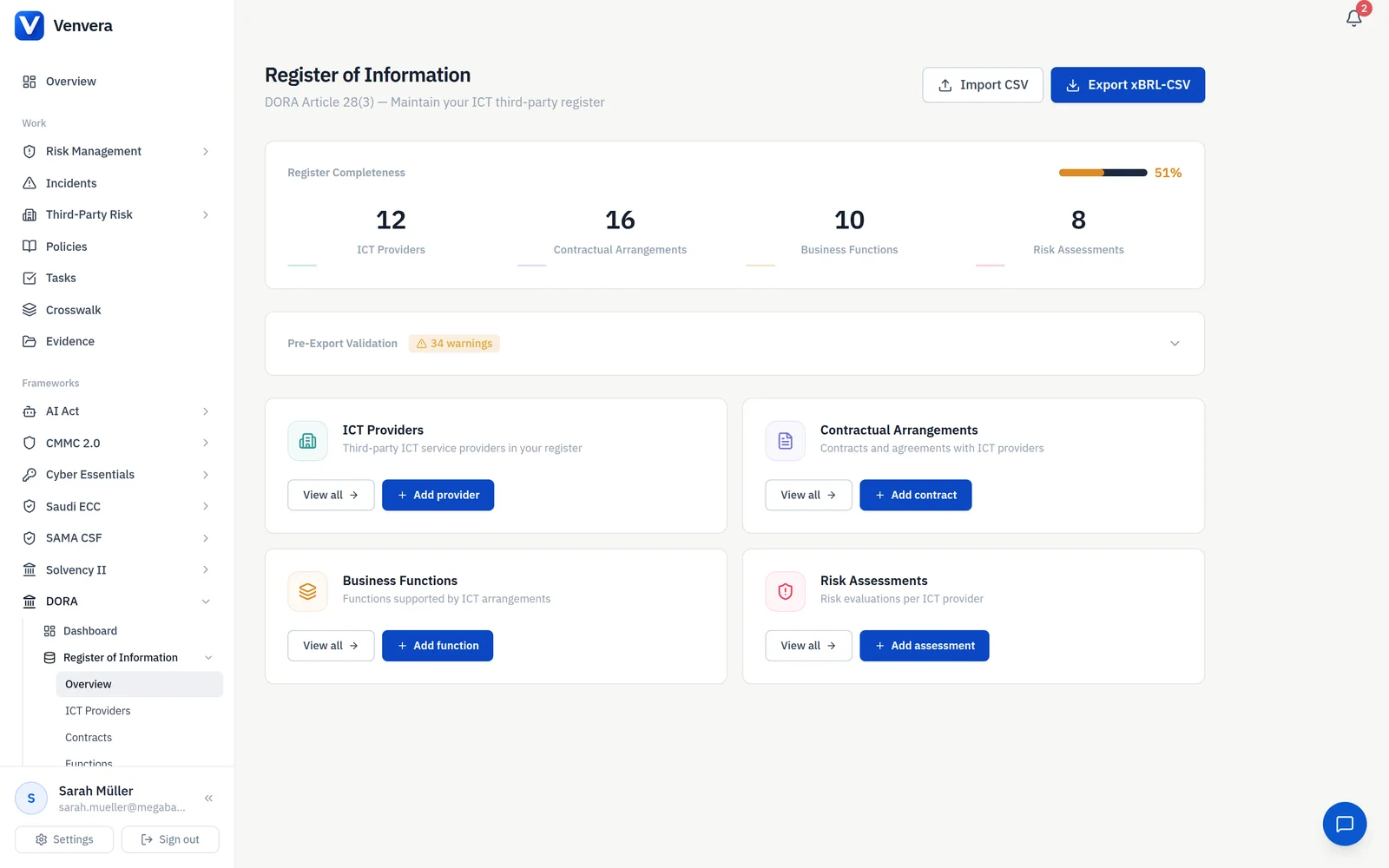
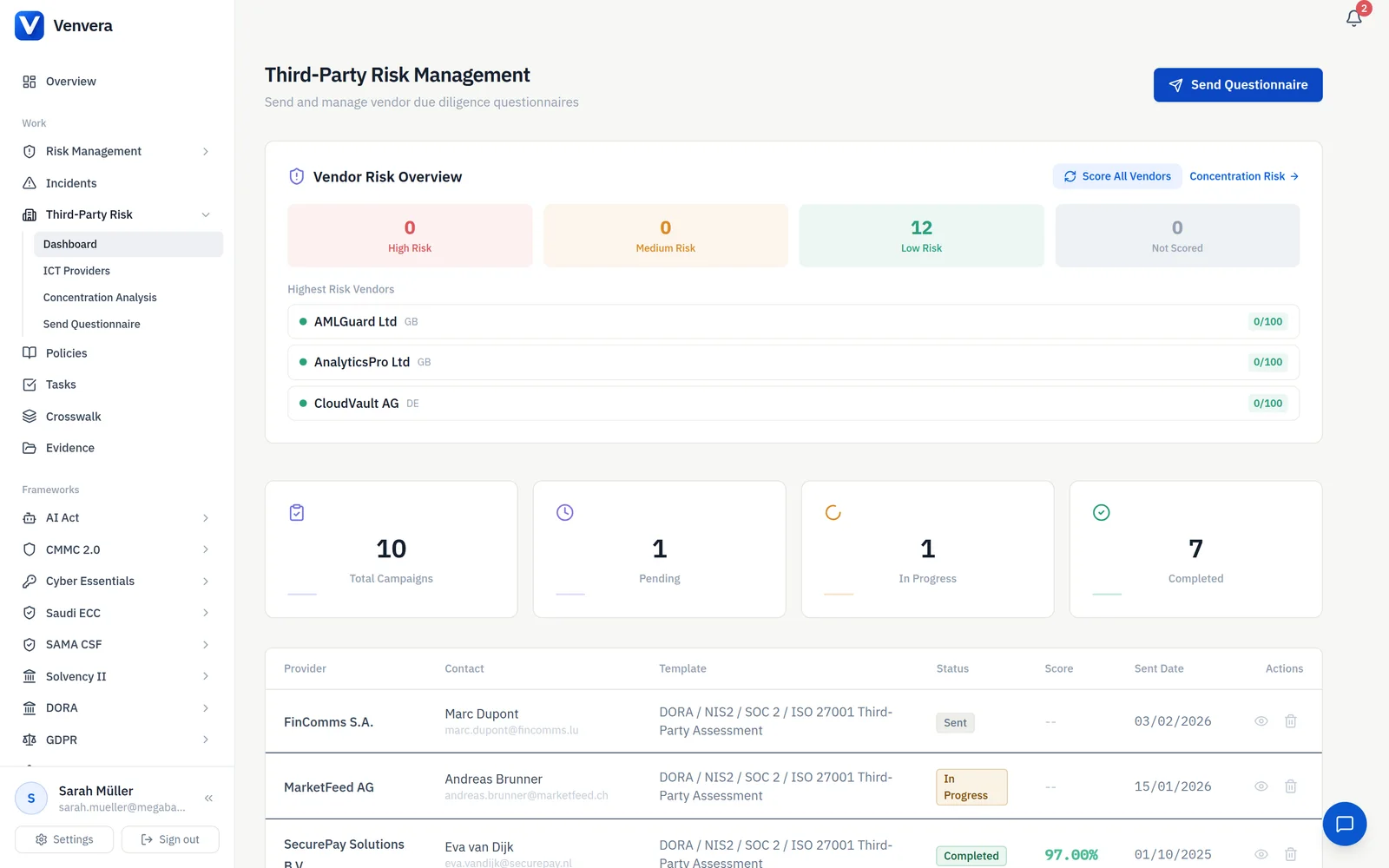
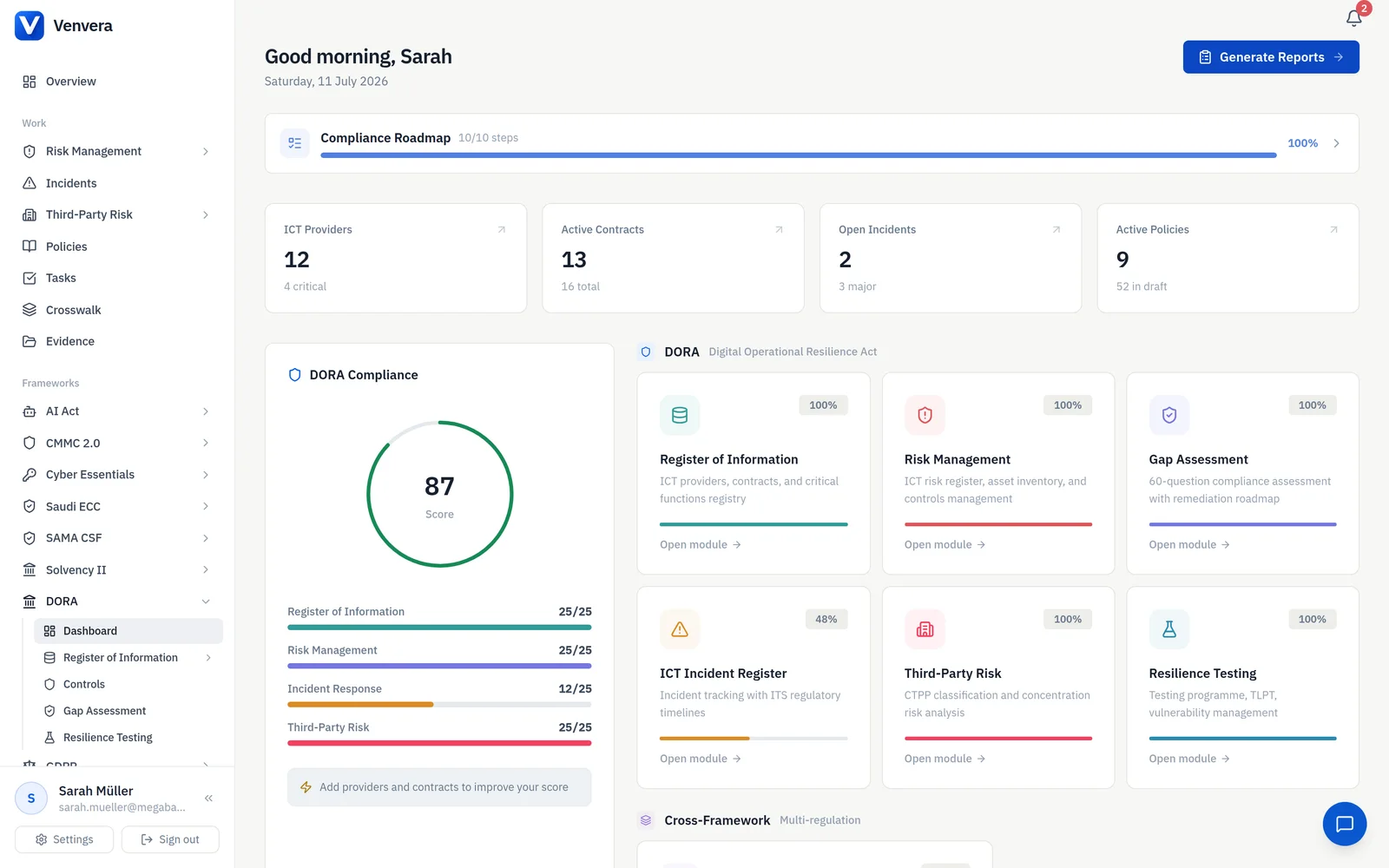
This is what Venvera's register module does. Providers, contractual arrangements, entities, functions, supply chains and assessments are linked records rather than tabs. Users work in business language and the ESA codes are applied when the package is generated. A completeness view surfaces validation issues, each tagged with the template and field it belongs to and marked as an error or a warning, before you export. The export produces the xBRL-CSV package across all 15 official templates, B_01.01 to B_99.01, in the ITS (EU) 2024/2956 table structure. Providers can be looked up against the GLEIF API from the provider form, which returns the registered legal name and the registration status, so a lapsed LEI is visible at the point you enter it rather than in a feedback file.
What we will not claim is that this guarantees acceptance. The rule set is versioned, the ESAs change it, your NCA may run its own checks, and the ESAs say so themselves. What a data model gives you is that the class of errors that reject, the structural ones, are largely designed out rather than tested for.
Stop the resubmission loop.
Venvera holds the Register of Information as a relational model, surfaces validation issues against the template and field before you export, and builds the xBRL-CSV package across all 15 official templates.
Book a demo →Frequently Asked Questions
Do all the most common Register of Information errors cause a rejection?
No, and this is the most useful thing in the ESAs' published observations. Of the twelve error types the ESAs list as most common, five are marked as not leading to a reject: mandatory values missing, wrong LEI reported, identical key values on open tables, EUID not found in BRIS, and LEI mask validity. The seven that do reject are the foreign key violation (807), missing primary key (805), filing indicator problems (808), non-DORA or wrongly cased files (720), an entityID that does not match the filename (714), report file structure (103), and header codes that are not in the taxonomy (801). The ESAs also caution that the checks and feedback messages implemented by national competent authorities in their own reporting solutions may differ from the ones described in that document.
What do the rule codes in the feedback file mean?
They are the identifiers of the specific validation rules the reporting system applied. The numeric codes in the 100s, 700s and 800s are technical and structural checks on the package. Codes of the form v8826_m are data point model rules expressed as assertions, so v8826_m is the rule that a value must match the LEI mask. Codes of the form VR_71 are business validation rules. The EBA publishes the rule set in its validation rules packages, and its slide deck on common issues walks through the frequent ones with worked examples.
Why did one broken file produce dozens of foreign key errors?
Because the table it broke never loaded. The ESAs explain that where a template cannot be integrated, for example because a header column code is not in the taxonomy (801) or a key column is empty (805) or the CSV cannot be parsed (809), then every other table that references the failed table will also fail its foreign key checks with 807. Their own note on this is that it is expected behaviour, and that a database system would fail for the same reason. So chase the 801, 805 and 809 errors first: a large block of 807s often has a single upstream cause.
Can an empty template be left out of the package?
No. Under rule 808 all DORA templates are expected, template IDs must appear in capitals in FilingIndicators.csv, and every reported template ID must be declared true. A template with nothing to report is submitted as an empty table, not omitted and not declared false. There is also a floor: rule 724, introduced on 1 May 2025, exists because a package where every file is empty produces no findings at all, and the ESAs note that at minimum the B_01 templates need to be reported even by an entity with no external provider contracts.
What if an ICT provider does not have an LEI?
The ITS requires a valid and active LEI or the European Unique Identifier (EUID), and both where available, for every ICT third-party service provider that is a legal person, with an exception for individuals acting in a business capacity. Providers established in third countries are identified with an LEI only, because the EUID is a European identifier. Do not put a placeholder in an LEI field and do not put an LEI in a EUID field: the ESAs list an LEI flagged as a EUID as one of the avoidable causes of the VR_72 error, and in the data they published, invalid EUID format was by far the largest category of EUID problems.
Primary sources
- Commission Implementing Regulation (EU) 2024/2956. The ITS on the standard templates for the register of information, under DORA Article 28(9). Article 1 defines the direct provider, the ICT service supply chain and rank. Article 2 sets the ranking rule. Article 3 sets the general template requirements, the six data quality principles and the LEI and EUID requirement. Article 4 sets the data format rules. Article 5 lists the 15 templates, B_01.01 to B_99.01.
- ESAs, “Observations from reporting of RoI to the ESAs. Key common issues identified” (originally published 16 April 2025, updated 16 May 2025). The source for the error code table, the reject or no-reject mapping, the foreign key cascade, the filing indicator rule, the LEI mask, the EUID guidance and the rules added on 1 May 2025.
- EBA, “Preparing plain csv reporting package for DORA”. The source for the ZIP naming pattern, the package folder structure, the contents of report.json, parameters.csv and FilingIndicators.csv, and the seven data type rules including the
eba_owner prefix. - EBA validation rules packages. The published rule set. It is versioned, and the active rules depend on the taxonomy and reporting framework version in force.
- EBA, “Frequently asked questions on reporting of the registers of information” (updated 28 March 2025).
- EBA, “Preparations for reporting of DORA registers of information”. The index page carrying the technical package, the data point model, the taxonomy and the documents above.
- Regulation (EU) 2022/2554 (DORA), Article 28(3), the obligation to maintain the register, and Article 28(9), the mandate for the templates.
- Background: our guide to the 15 official templates and the accompanying template reference (CSV).
This article is for information only and is not legal or regulatory advice. Sources were checked on 14 July 2026. The ESAs note that validation checks and feedback messages implemented by national competent authorities may differ from those they publish, and the rule set is versioned. Confirm the taxonomy version and the rules in force with your NCA before every submission.